
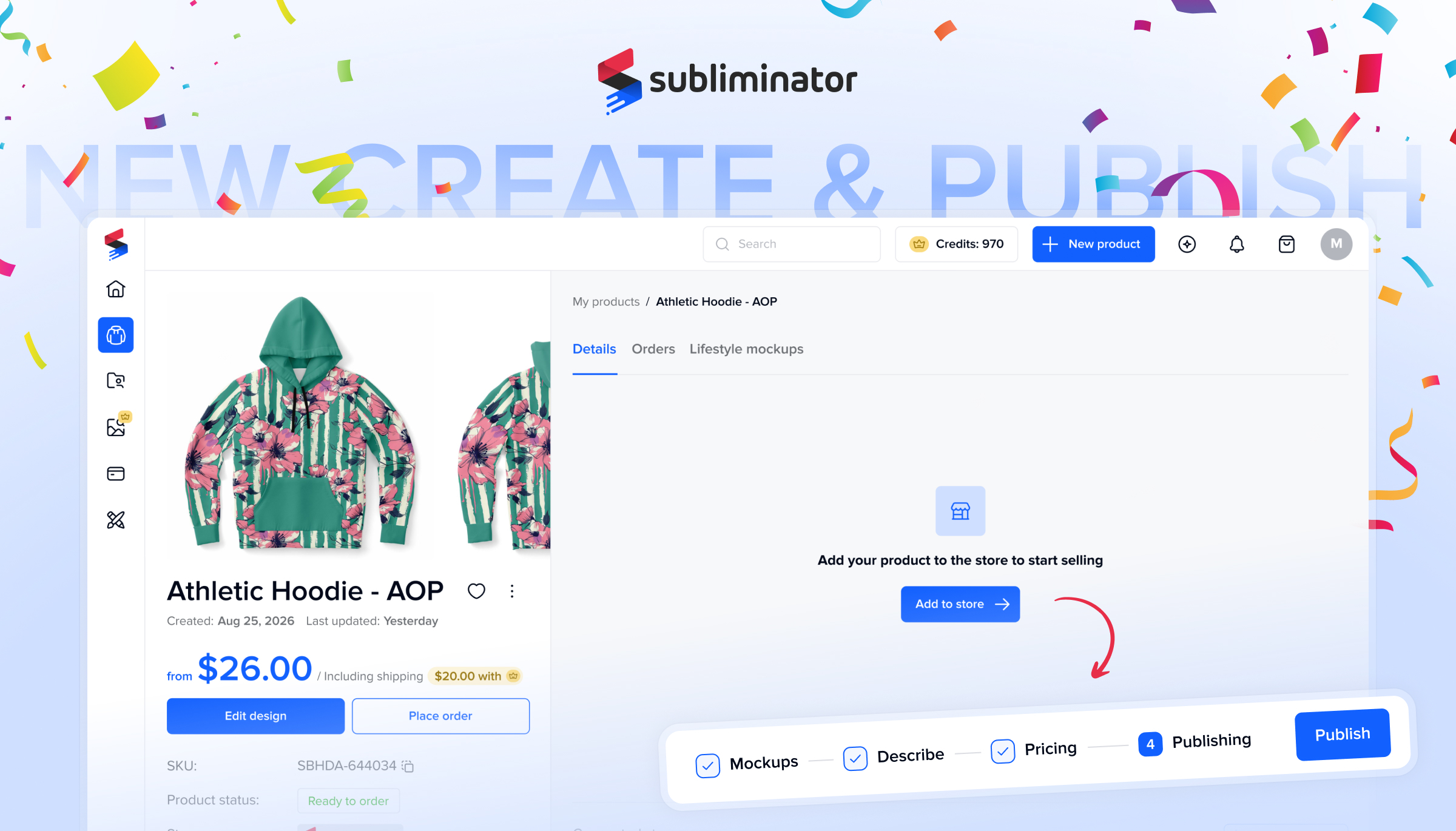
Products with 3D preview now open in a simpler Creator. Designing and publishing to a store are now two separate things, so you only go through the steps you actually need.
The new Creator is just the design space. Upload your artwork, add text or background layers, and see the result on the product in 3D as you work. No mockups, descriptions or pricing along the way.
Only want the product on Subliminator? Click Create product and you're done. It's saved in My products, ready whenever you need it.
When you want to sell on Shopify or Etsy, click Add to store, either straight from the Creator or from the product in My products. You'll go through four steps: Mockups, Describe, Pricing and Publishing.
Starting from the Creator and need to step away before publishing? Click Save draft first so you don't lose your work.
Pricing and Publishing are now separate steps, and store selection happens at the very end. Pick as many connected stores as you like in one go. A separate product card is created in My products for each store.
No more copying EU GPSR information every time you publish. Save it once in your shop settings and it's filled in automatically on the Publishing step.
For now, the new flow applies to products with 3D preview. You'll find them under 3D Products in the catalog. All other products work the same as before, and products you've already created stay in My products just like they are.
You can read more about it in our Help Center article.
Happy creating, and more is yet to come!

Project Manager at Subliminator.